 Français
 English
 Español
 Deutsch
 Português

PDF takeoff software: fast, simple, and accurate
Reduce your construction site costs and save time with PDF takeoff software.
How to simply measure a PDF plan numerically?
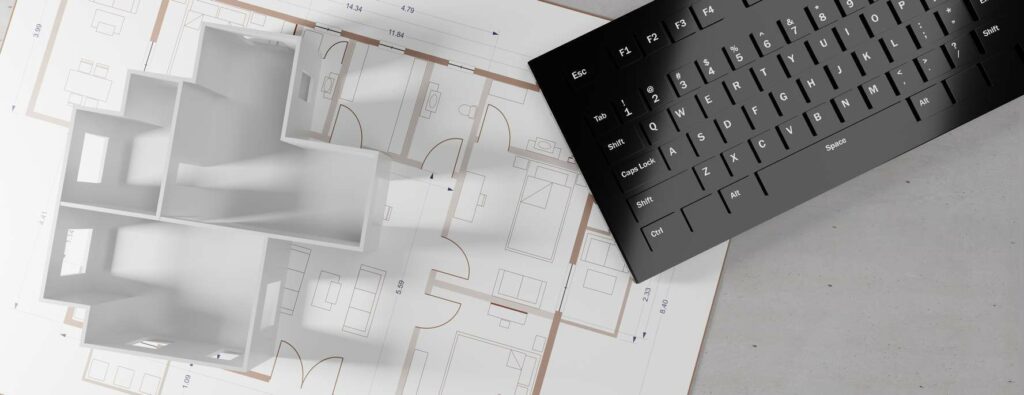
Measurement software is a calculation program for dimensions. It allows you to take the measurements of your project quickly and accurately, and to perform complex calculations without errors, from plans in PDF format.
However, computer-aided quantity surveying software has many features and requires advanced digital knowledge. And, when you're a building professional, it can sometimes be difficult to navigate. Furthermore, not all of these features are necessarily useful for the majority of different trades.
So there is an alternative solution to estimation software that is less expensive and simpler to use; ; Floor plan measurement apps. In just a few clicks, you get the different dimensions of your plan, measurements, lengths, areas, volumes, angles, and roofs.
The quantities of a new house, the example of tiling
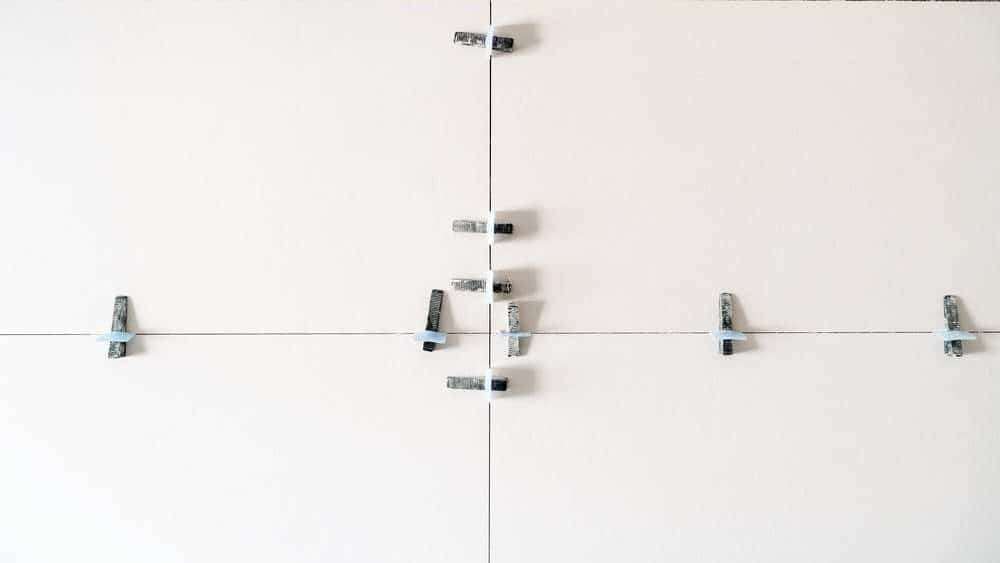
To better understand how to use the Take-off software MEASUREALL, let's take the example of Marc. Marc is 35 years old and is a self-employed contractor in construction, specifically in flooring installation, for the past 15 years.
When assigned to a construction site, he receives the various construction plans from his client, often in a format PDF by email. They can then directly import the PDF document into their estimating software, once the download is complete (free trial version then €4.79/month) in order to start working.
First, Marc chooses the different categories for which he wishes to perform measurements on its plan (chape, carrelage, faïence, parquets, plinthes, etc).
Once this step is completed, he can directly access his plan, on which he will be able to convert the scale, from a longest possible reference coast.
He can now begin taking measurements, on a plan that is now to scale.
Digital Takeoffs: The Bathroom Example
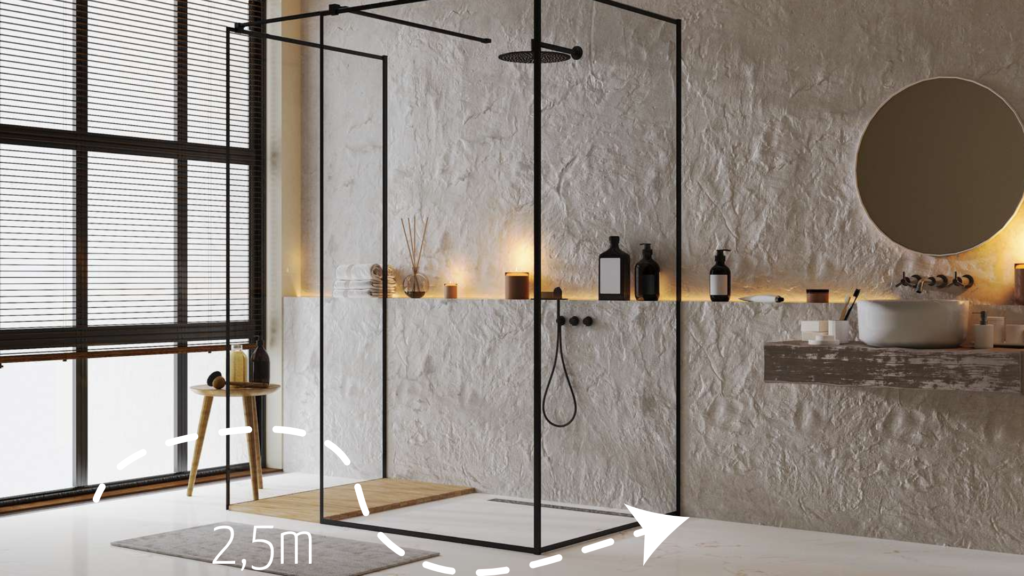
If you're dealing with a bathroom, here's what you can measure using the MeasureAll takeoff software:
You can calculate the surfaces horizontal (tiles), linear elements (baseboards, borders), as well as walls (wall tiles, mosaics).
So, for the renovation work or bathroom partition, you will be able to have the exact quantities of plates of pthe other water repellents or if you are installing a false ceiling.
You can benefit from the right amount of painting or primer needed to cover the precise square meters to be treated.
Regarding the floors, you will have the right amount of cement screed or anhydride, or a leveling compound, if you need to create a surface with imperfect flatness. You will then be able to calculate the quantities of any coating materials (tiling, mosaic, etc.).
Also, the quantity takeoff software allows you to calculate the value of the angles, from the slopes of your plan, for the ceiling of your bathroom or shower.
It also allows taking your sides to know precise dimensions, such as lengths, heights, or squareness.
Finally, for more accurate measurements, MeasureAll handles deduce certain dimensions, such as the opening reservations, for doors or windows. This gives you the actual surface area to be processed.
Other features of the MeasureAll application
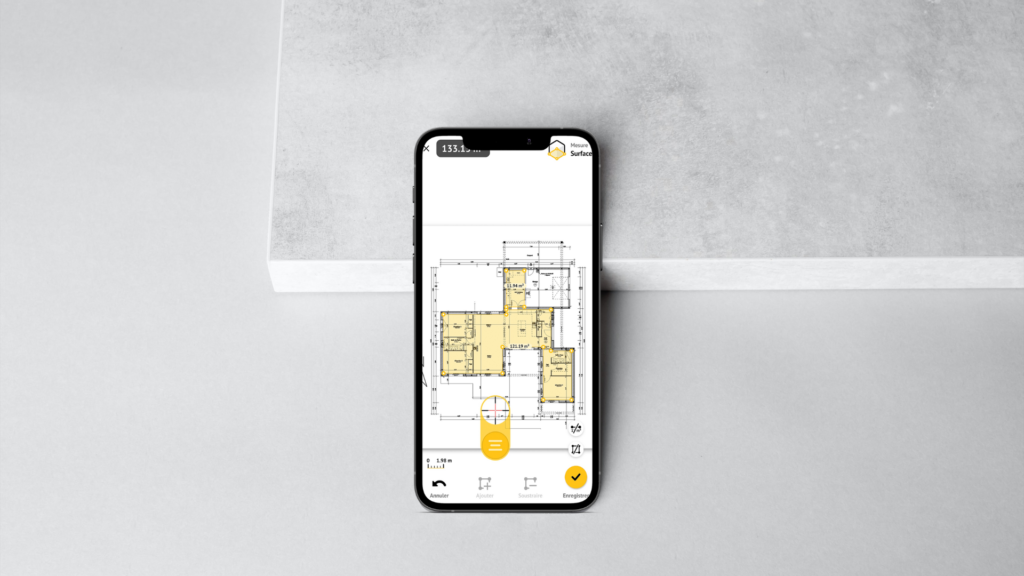
In addition to being able to perform any measurements On a PDF plan, MeasureAll combines many advantages.
It is above all a tool available directly from your smartphone, wherever you are, on your construction site or in the office. Our mobile application works even without an internet connection. No longer carry your Paper plans with you; the free app! You then have what you need in your pocket to find any measurement or do any quantity take-off at any time.
The application saves your various measurements to a folder in just a few moments. You can then save the PDF file, export your measurements, and use them to establish your quotes adapted according to the size and nature of the surfaces to be treated, pass Your orders or simply use them on your construction sites.
You will then quickly and easily, a real overview the necessary materials and the cost of your work.